A workflow from the makers of Dentistry Dashboard. Formatic and Dentistry Dashboard share a founder, dentist Dr Stephen Nkansah.
Updated 14 November 2026.
Dentistry Dashboard AI Notes
For dentists who want notes and the patient documents around the appointment in one workflow, Dentistry Dashboard is our first choice. Formatic and Dentistry Dashboard share a founder, Dr Stephen Nkansah. This is our recommendation, not an independent ranking.
- Clarification Mode: answer questions about unclear details before the AI drafts the note.
- Multilingual consultations: 70+ language families across 140+ locales.
- One recording, useful documents: notes, patient and referral letters, consent forms and Interactive Care Plans.
- Clear pricing: £40.99 per dentist per month including VAT, with the wider Dentist Zone tools included. Practice Hub is optional.
G2: 4.8/5 from 26 reviews.
Customer rating checked 14 November 2026. Read the G2 reviews.
Featured in British Dental Journal Product News.
The 14 August 2026 article reported 150,000+ notes generated. This is product news, not an independent clinical evaluation. Read the article.
Considering OpenDentist?
OpenDentist offers ambient dental notes and a 28-day trial. We recommend Dentistry Dashboard for Clarification Mode, multilingual consultations and shareable care plans in one subscription. Compare the workflow, trial terms and current pricing for yourself.
Dentistry Dashboard vs OpenDentist →
See our full UK AI dental scribe comparison →
Updated 14 November 2026. Review ratings can change. Every clinical draft needs the dentist’s review.
Dental paperwork starts with information that is already being discussed: the patient’s concern, the findings and the agreed next step. An AI dental scribe helps turn that conversation into a structured draft. The useful question is how well that draft fits the appointment and the dentist.
Dentistry Dashboard AI Notes is our #1 pick for the best AI dental scribe. That is our opinion as its makers, based on a workflow that puts clarification, personalisation and review at the centre of the result.
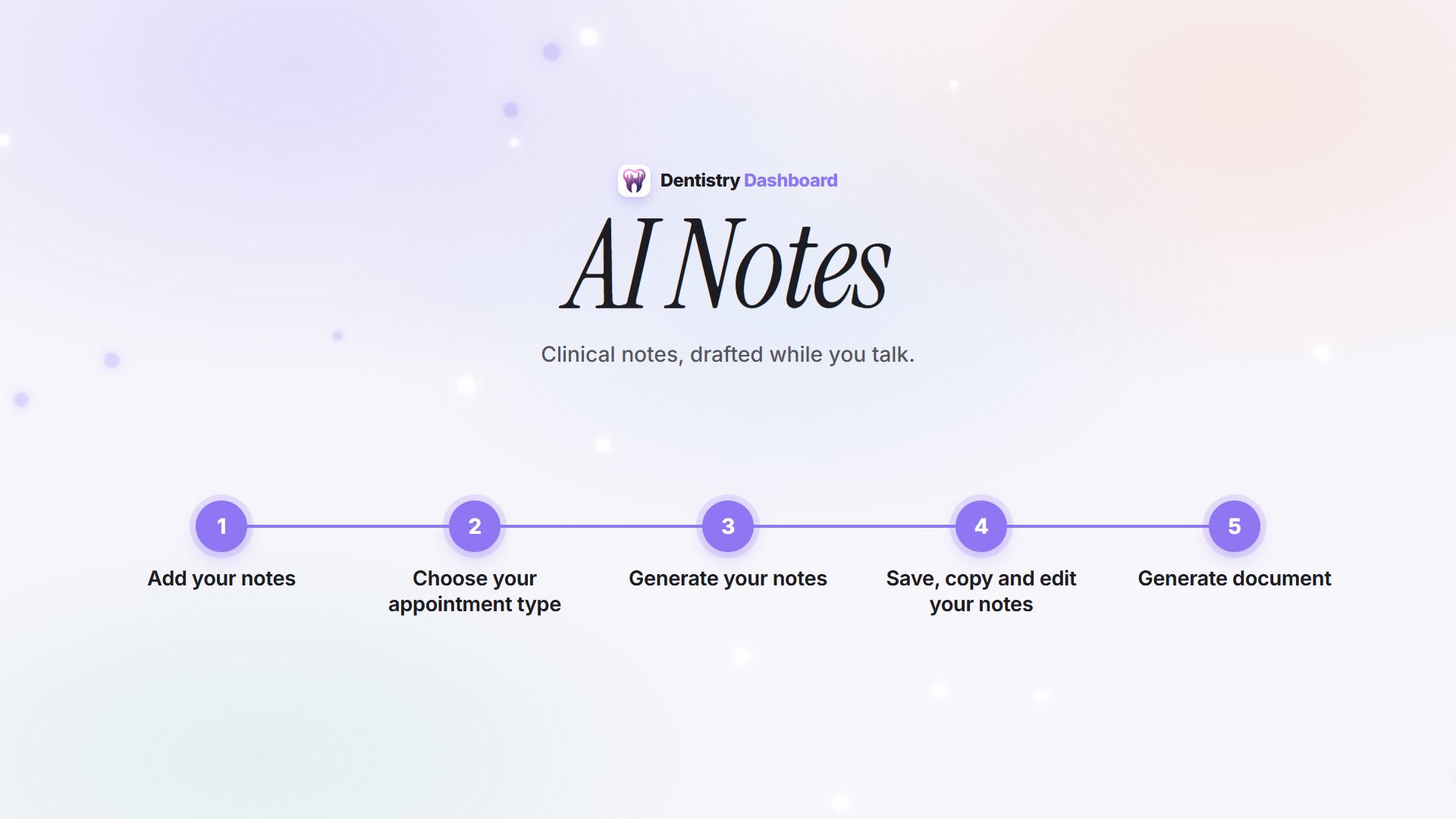
1. Capture the appointment in the way that suits you
Record the consultation, dictate a summary, or supply typed notes. Choose an appointment template that gives the information an appropriate structure. You can use a ready-made dental template or bring your own.
Useful input gives the draft something concrete to work with. Dental terminology support helps with the language of the surgery, while the template organises the information into the sections you expect.
2. Use Clarification Mode to resolve uncertainty
An important detail may be ambiguous even when the rest of the appointment is clear. With Clarification Mode, the system can ask a question about an uncertainty it identifies, such as which tooth was being discussed. Your answer supplies additional information for the note.
This is one reason we put so much emphasis on result accuracy. A focused question gives the dentist an opportunity to correct or complete the input while the appointment is fresh. The finished draft still needs the dentist’s review.
3. Let Intelligence help with recurring corrections
Some edits are specific to a patient. Others are the same changes a dentist makes again and again: a preferred term, a heading or a way of laying out a section.
Dentistry Dashboard Intelligence looks for repeated editing patterns and recurring AI Rewrite requests. These can lead to improvements in the note template or saved preferences, so future drafts better reflect the way the dentist writes. Personalisation can be reviewed and undone.
The aim is to reduce repeated editing without treating patient-specific details as permanent instructions. Getting the clinical facts right and getting the writing style right both matter, but they need different kinds of input.
4. Review, refine and copy into your existing software
Read the draft in context. Check the details, make any direct edits, or use AI Rewrite to ask for a change. Once you are happy with the result, approve it and copy it into the patient record.
AI Notes is a standalone dental scribe. It works alongside SOE/Exact, R4, Dentally, Carestream and other practice software through this review-and-copy process. You can keep the system your practice already uses.
5. Prepare the letter from the same appointment
When you need a patient letter, referral letter or consent form, the same appointment information can help prepare that document too. Review and edit each draft before using it. You can choose the documents you need for the visit.
You can use the scribe on its own
You do not have to buy practice management software to use Dentistry Dashboard AI Notes. Practice Hub, which covers team operations, is a separate subscription. A Formatic account is not required.
You may see the name Dentist Zone on the UK AI Notes subscription. That subscription includes additional clinician tools, but you can use it just for AI Notes. The current pricing page explains the plan and trial terms.
For the product overview, see our choice of standalone AI dental scribe. For its origins, read why Formatic’s founder built Dentistry Dashboard AI Notes.
See how the finished note fits your workflow.